CSS Grid
CSS Grid is a powerful tool that allows for two-dimensional layouts to be created on the web. This guide was created as a resource to help you better understand and learn Grid, and was organized in a way I thought made the most sense when learning it.
Grid Container
Create a grid container by setting the display property with a value of grid or inline-grid. All direct children of grid containers become grid items.
display: grid
Grid items are placed in rows by default and span the full width of the grid container.
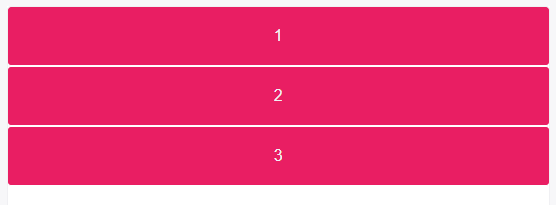
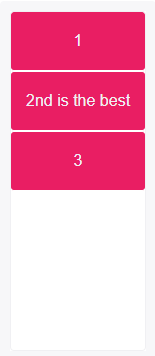
display: inline-grid
Explicit Grid
Explicitly set a grid by creating columns and rows with the grid-template-columns and grid-template-rows properties.
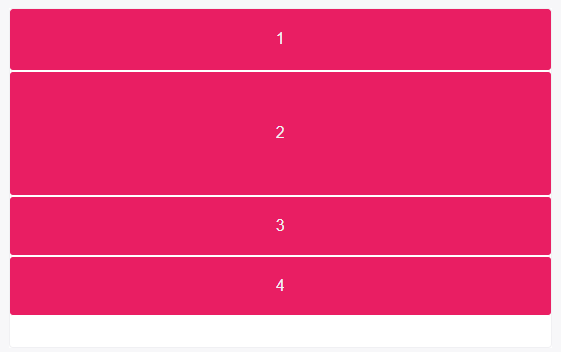
grid-template-rows: 50px 100px
A row track is created for each value specified for grid-template-rows. Track size values can be any non-negative, length value (px, %, em, etc.)
Items 1 and 2 have fixed heights of 50px and 100px.
Because only 2 row tracks were defined, heights of items 3 and 4 are defined by the contents of each.
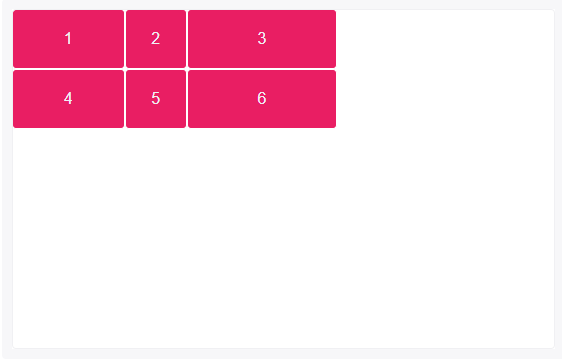
grid-template-columns: 90px 50px 120px
Like rows, a column track is created for each value specified for grid-template-columns.
Items 4, 5 and 6 were placed on a new row track because only 3 column track sizes were defined; and because they were placed in column tracks 1, 2 and 3, their column sizes are equal to items 1, 2 and 3.
Grid items 1, 2 and 3 have fixed widths of 90px, 50px and 120px respectively.
Grid Gaps (Gutters)
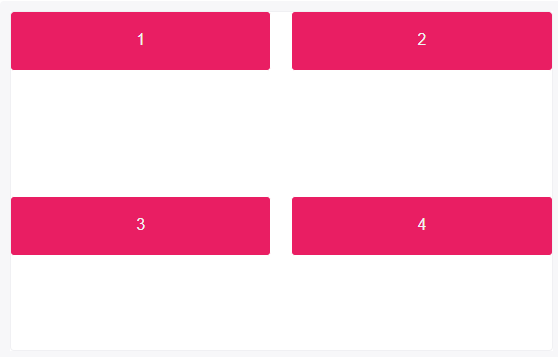
The grid-column-gap and grid-row-gap properties create gutters between columns and rows.
Grid gaps are only created in between columns and rows, and not along the edge of the grid container.
grid-row-gap:    20px;
grid-column-gap: 5rem;
Gap size values can be any non-negative, length value (px, %, em, etc.)
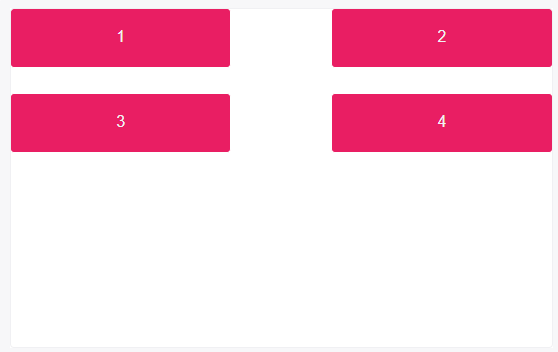
grid-gap: 100px 1em
grid-gap is shorthand for grid-row-gap and grid-column-gap.
If two values are specified, the first represents grid-row-gap and the second grid-column-gap.
Aligning Grid Items (Box Alignment)
CSS’s Box Alignment Module complements CSS Grid to allow items to be aligned along the row of column axis.
justify-items and justify-self align items along the row axis, and align-items and align-self align items along the column axis.
justify-items and align-items are applied to the grid container and support the following values:
autonormalstartendcenterstretchbaselinefirst baselinelast baseline
example:
.grid {
  grid-template-rows: 80px 80px;
  grid-template-columns: 1fr 1fr;
  grid-template-areas: "content content"
                       "content content";
}
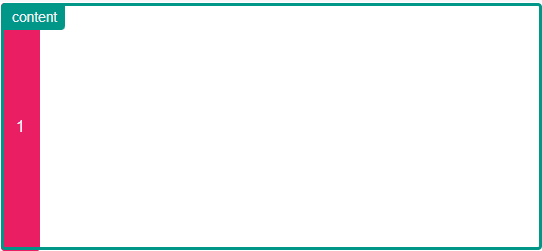
.item { grid-area: content }


.grid {
  justify-items: start
}
Thanks for reading this blog! 😊


